> ## Documentation Index
> Fetch the complete documentation index at: https://docs.pond.li/llms.txt
> Use this file to discover all available pages before exploring further.
# Browser Extension
> Bring Pond into your browser — clip Fragments, add Artefacts, and Frame what you read.
The Pond Browser Extension lets you capture what you read without leaving the page. It's currently available for Chrome (and Chromium-based browsers like Arc, Brave, and Edge) on the [Chrome Web Store](https://chromewebstore.google.com/detail/onbinjeomfncllhmgiibbpelmnplkjgg?utm_source=item-share-cb).
## Getting set up
Open the [Pond extension listing](https://chromewebstore.google.com/detail/onbinjeomfncllhmgiibbpelmnplkjgg?utm_source=item-share-cb) and click **Add to Chrome**, then confirm.
Click the puzzle-piece (Extensions) icon in your browser toolbar and pin **Pond** so it's one click away on any page.
The extension uses your existing [pond.li](https://pond.li) session — if you're signed in to Pond in your browser, the extension is ready to go. Anything you capture lands in your library right away.
## What you can do
Once installed and signed in, the extension lets you:
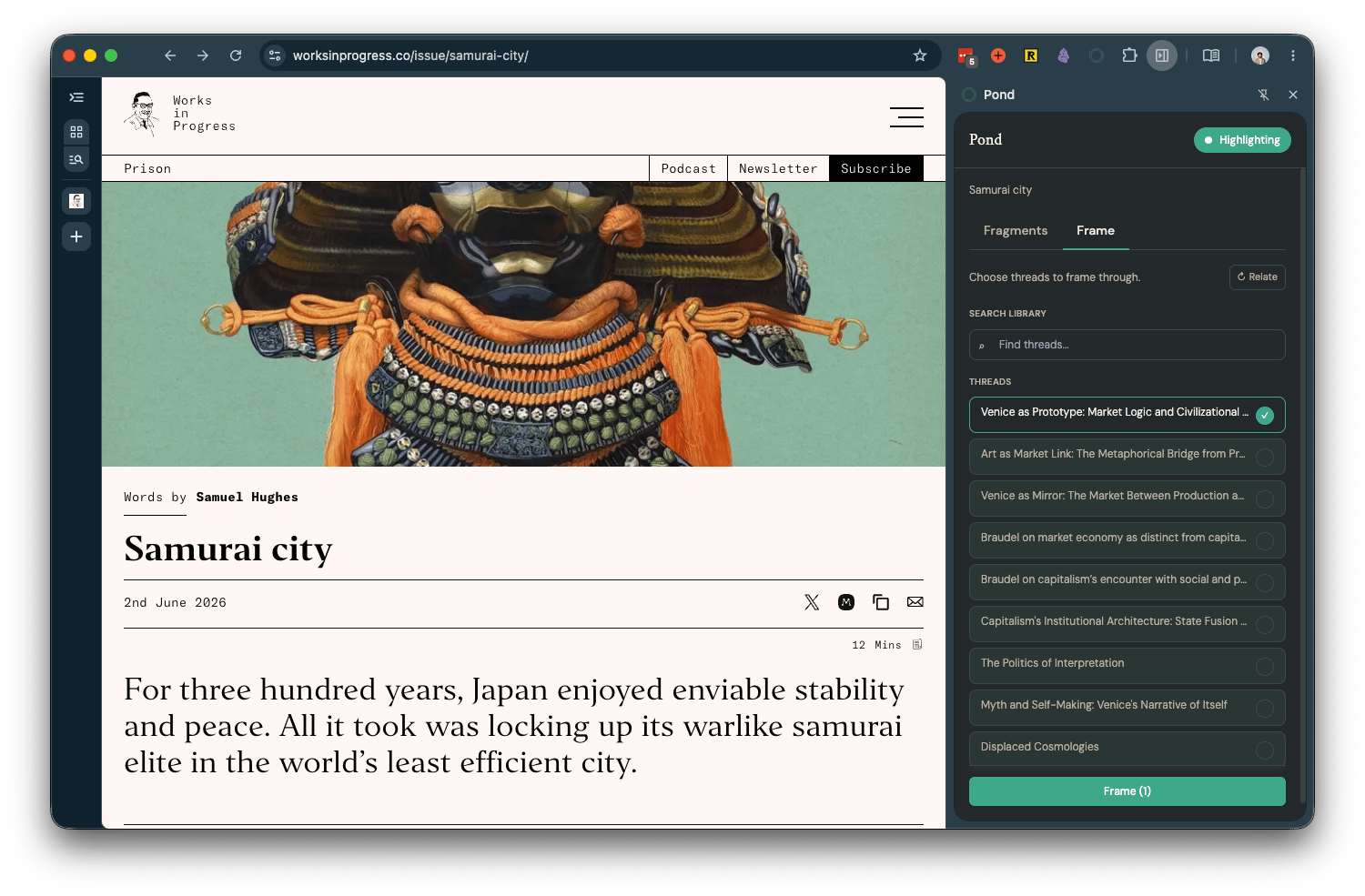
1. **Add articles and web pages to Pond** — capture the page you're on as an Artefact directly from the browser.
2. **Create Fragments** — highlight text on any page to save it as a Fragment, attributed to its source.
3. [Frame ](/frames)**what you read** — interpret the page through the lens of your Threads while you read.
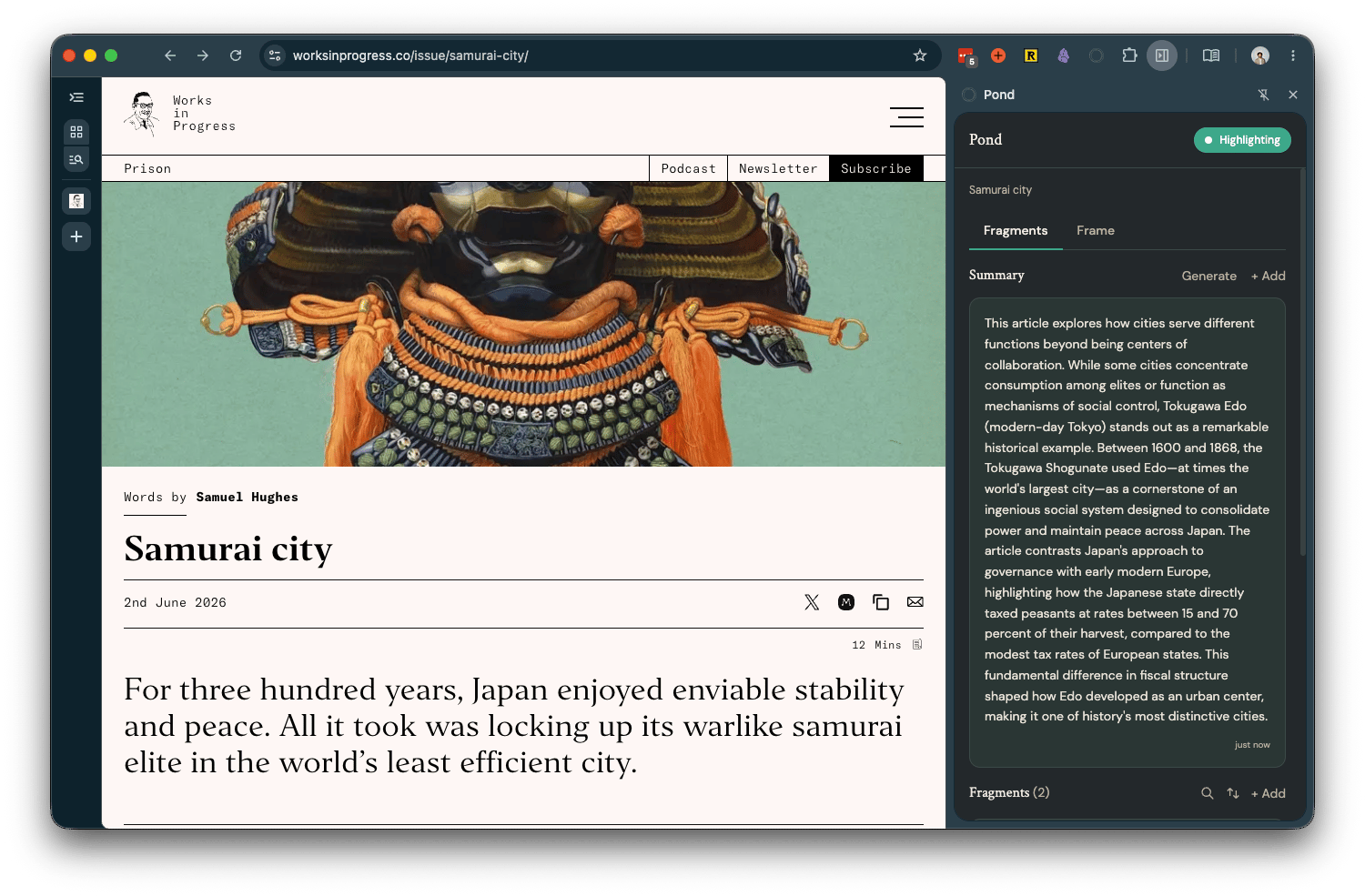 Captured Artefacts and Fragments sync to your Pond library automatically — open [pond.li](https://pond.li) to develop them into Threads.