Getting set up
1
Install from the Chrome Web Store
Open the Pond extension listing and click Add to Chrome, then confirm.
2
Pin it to your toolbar
Click the puzzle-piece (Extensions) icon in your browser toolbar and pin Pond so it’s one click away on any page.
3
Make sure you're signed in to Pond
The extension uses your existing pond.li session — if you’re signed in to Pond in your browser, the extension is ready to go. Anything you capture lands in your library right away.
What you can do
Once installed and signed in, the extension lets you:- Add articles and web pages to Pond — capture the page you’re on as an Artefact directly from the browser.
- Create Fragments — highlight text on any page to save it as a Fragment, attributed to its source.
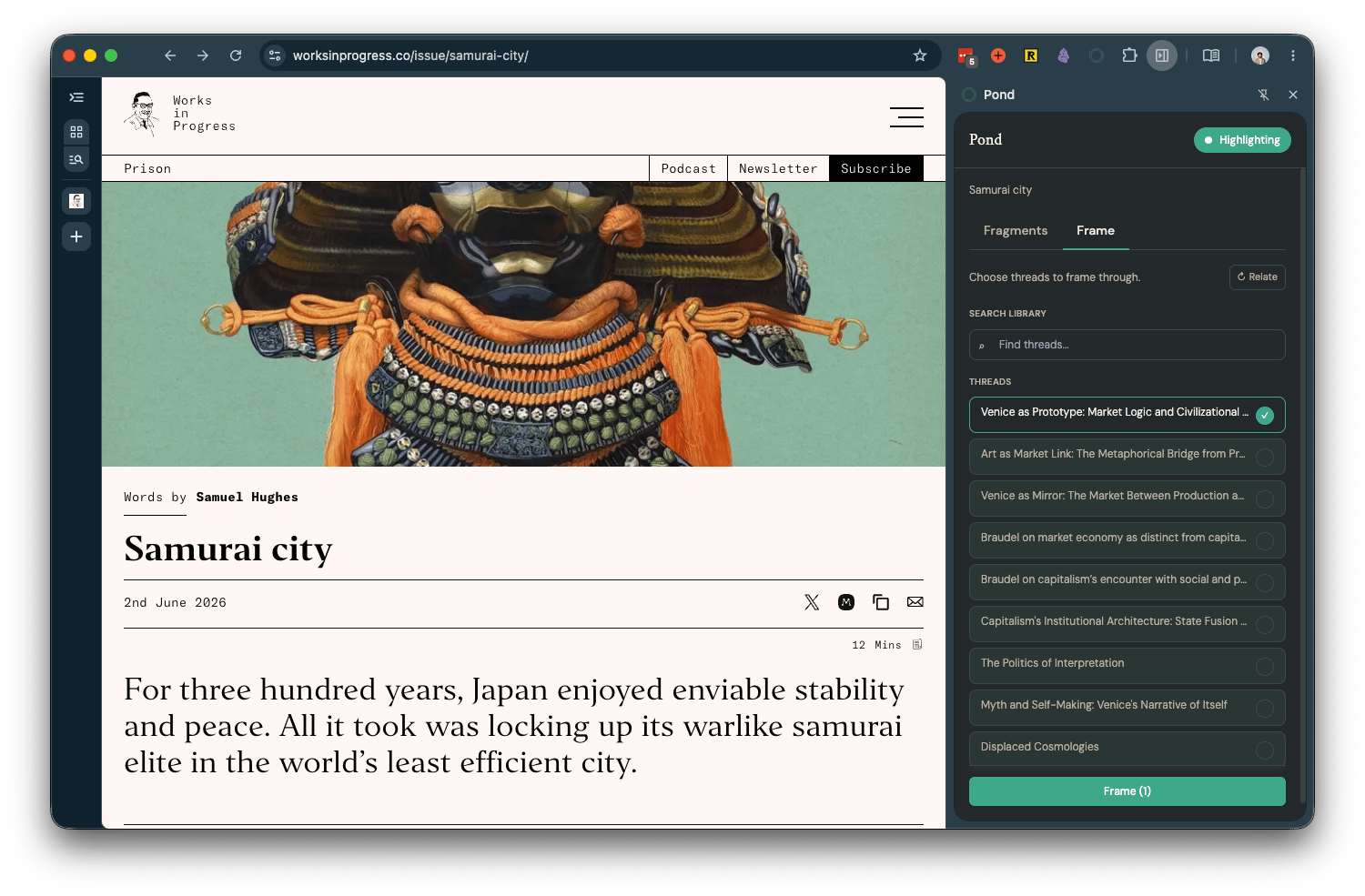
- Frame what you read — interpret the page through the lens of your Threads while you read.
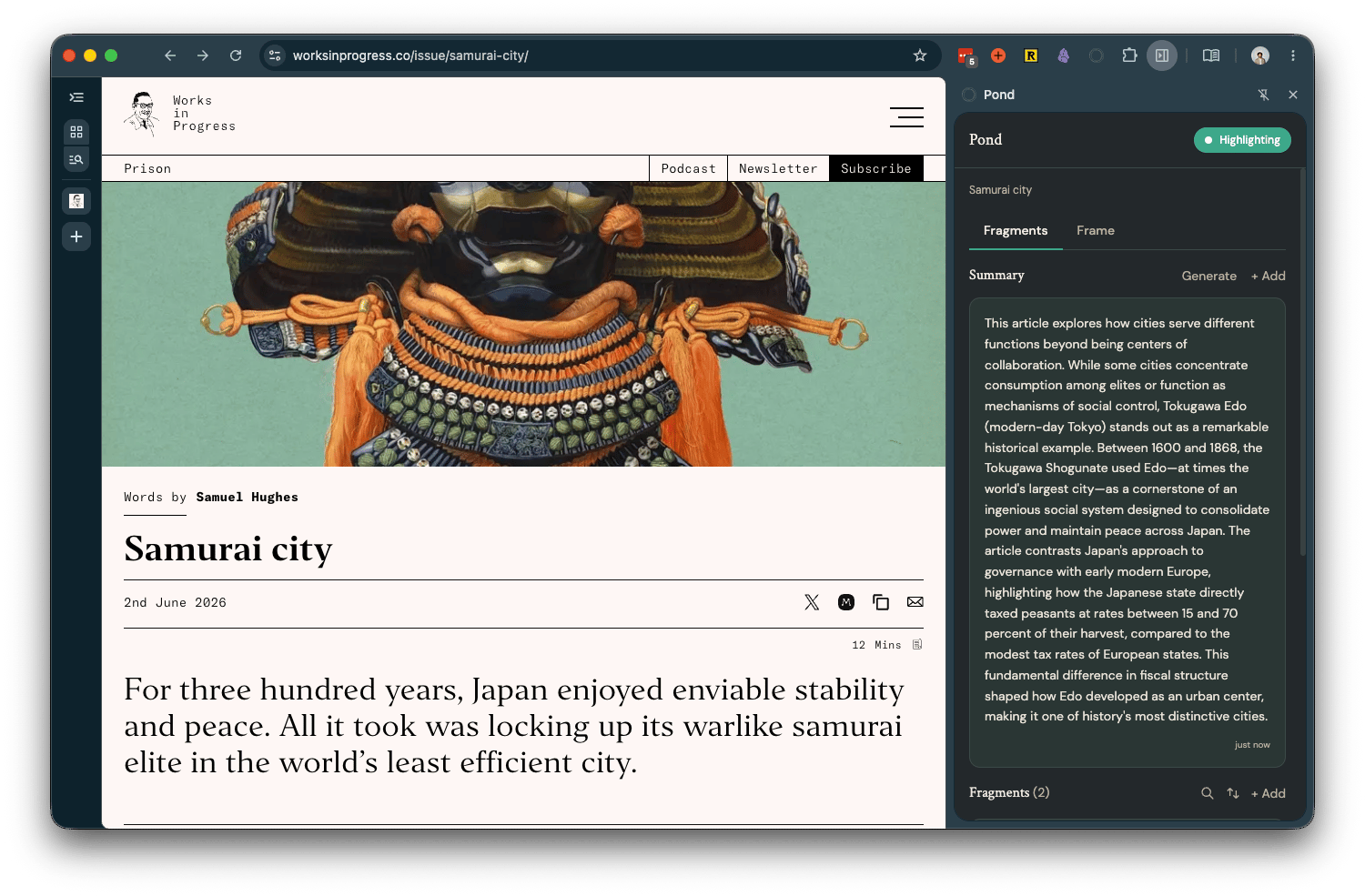
Captured Artefacts and Fragments sync to your Pond library automatically — open pond.li to develop them into Threads.