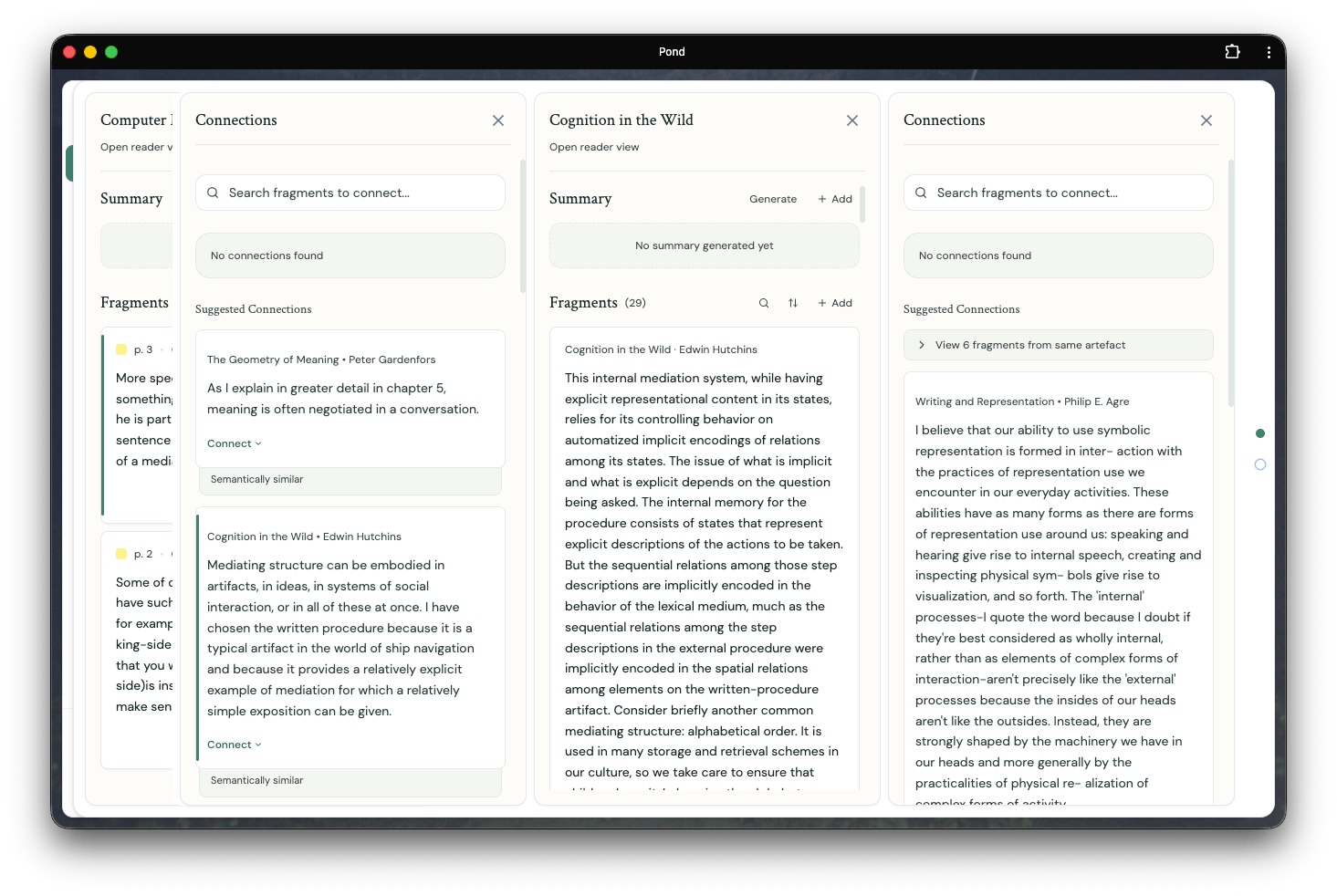
How Trails work
When you navigate from one piece of content to another — say, from a Fragment to its connections, then on to a related Artefact — Pond records each step as part of your current Trail. You can think of Trails as open books on a desk, each one pulled out in service of something you’re thinking about.Working with Trails
- Multiple Trails at once — you can have several Trails open simultaneously, each representing a different line of exploration
- Switch between Trails — use the up/down arrows to move between your open Trails
- Pick up where you left off — Trails persist, so you can return to an exploration later and continue from where you stopped
Trails emerged from a simple observation: the path you take through your archive is itself meaningful. The sequence of connections you follow trace the shape of your thinking in the moment; trails make this shape visible.