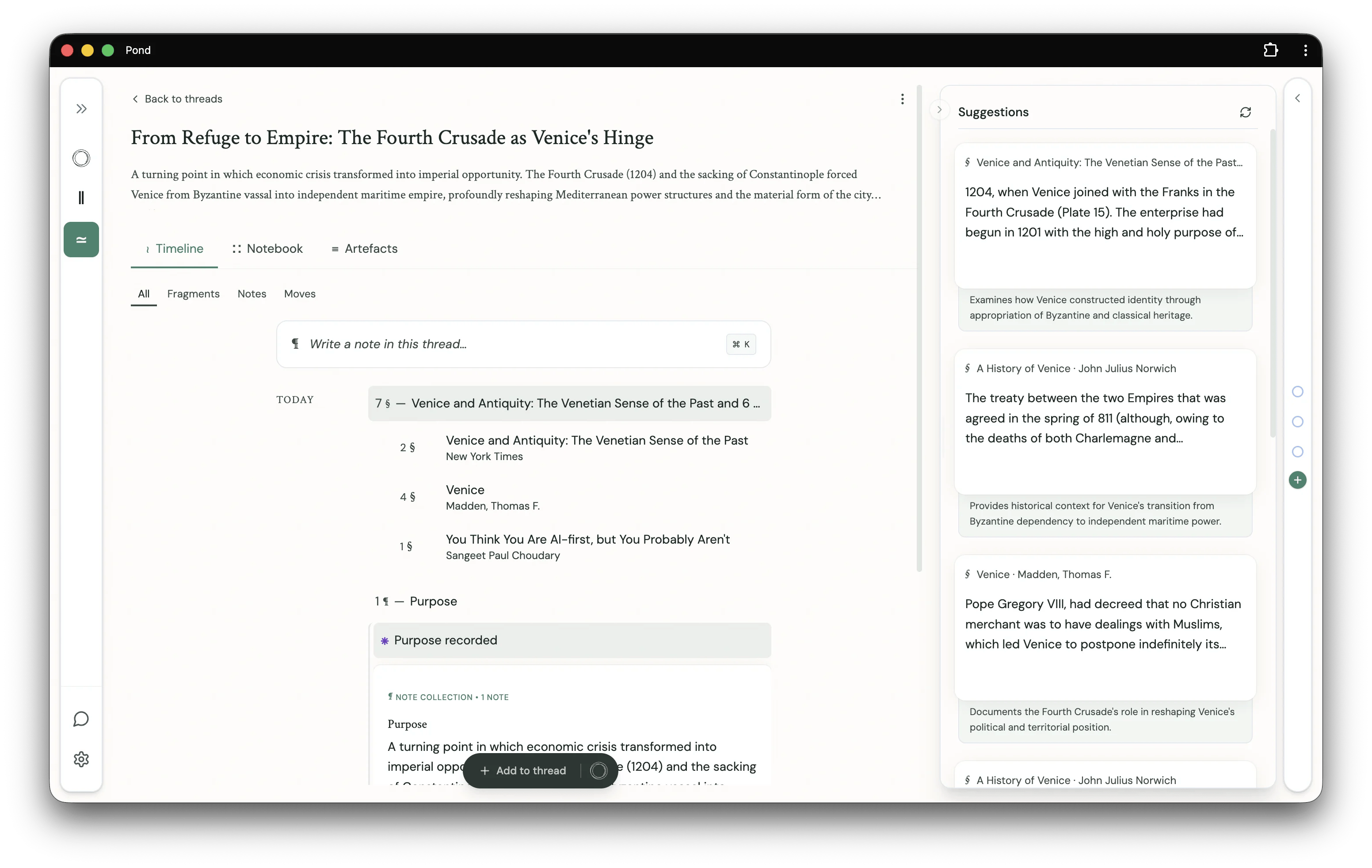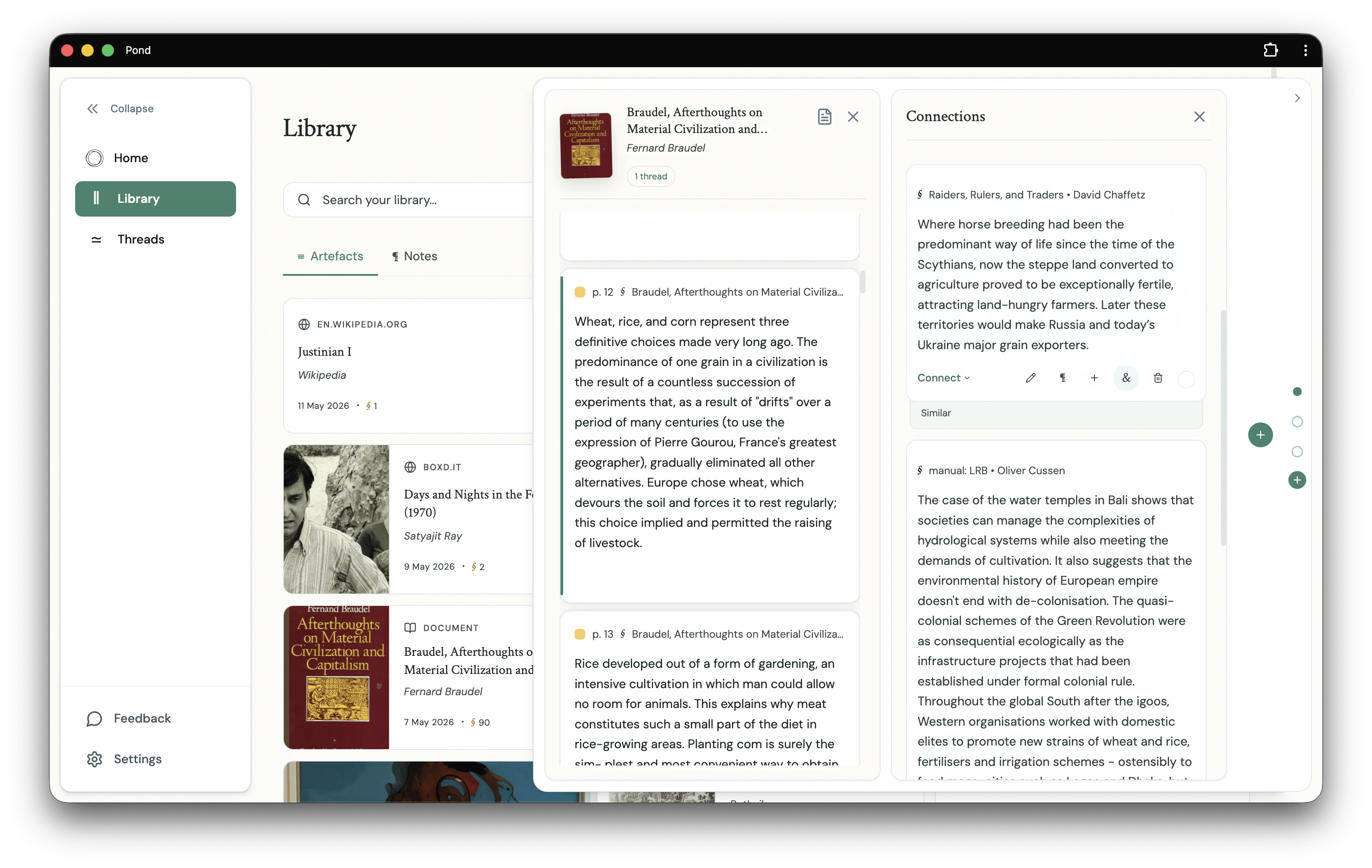
Workspace
A Thread workspace has three tabs:- Timeline — a chronological view of everything in the Thread: Fragments added, Notes written, and Moves recorded. Filter to All, Fragments, Notes, or Moves to narrow the view.
- Notebook — your writing surface. Compose Notes here, reference Fragments via
@-mention, and arrange the Thread’s argument. Sort by All content or Thread order. - Artefacts — the sources behind the Thread: every Artefact that one of its Fragments is drawn from.
The Observer
The Observer is a drawer that slides up from the bottom of the Thread workspace. It holds material Pond has authored for the Thread — most prominently the Pond-authored Moves (e.g. Curatorial, Purpose) that the agent produced when building the Thread. Each card sits in the Observer until you click Add to thread to commit it.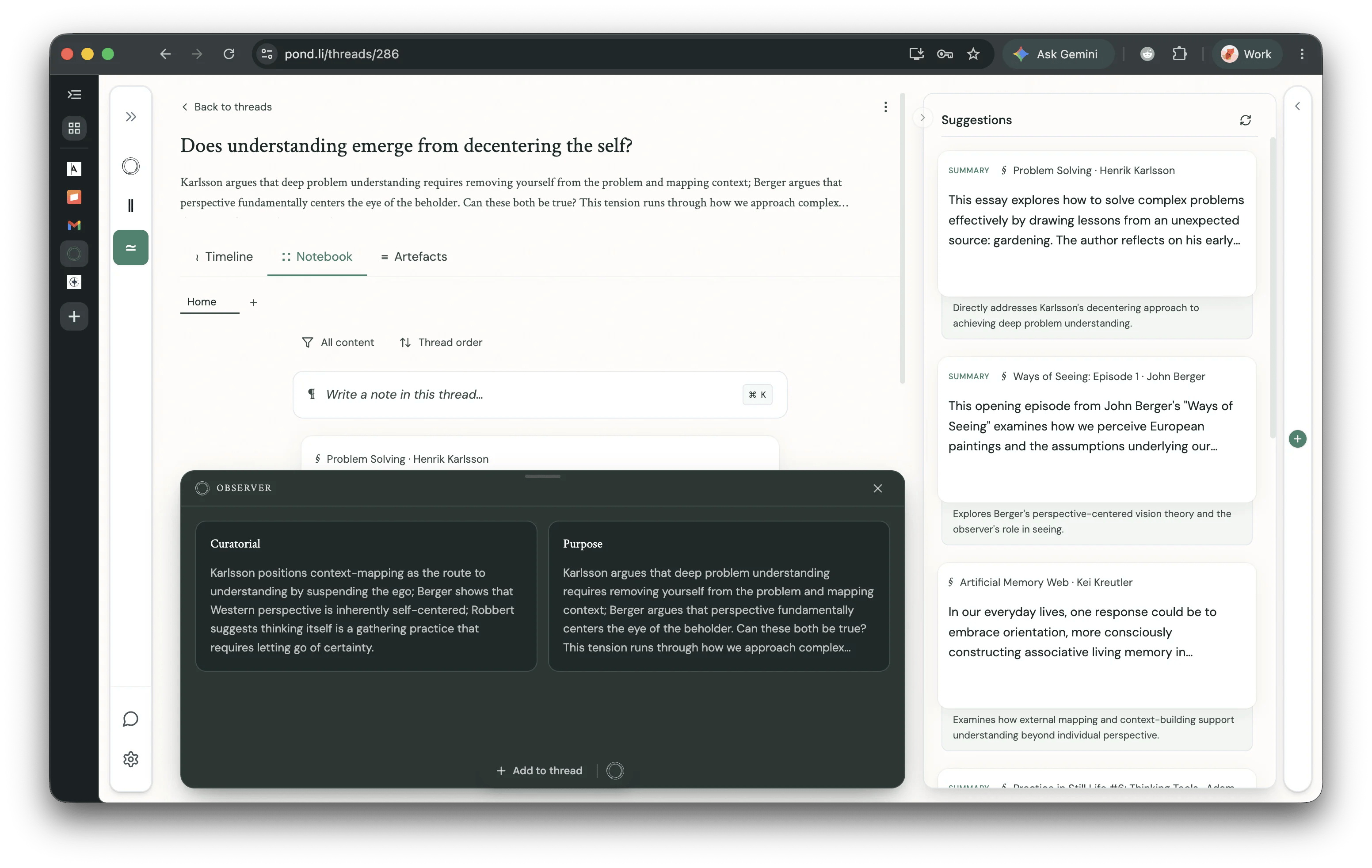
Thread development suggestions will also surface here in a future release — the Observer is the long-term home for everything Pond proposes to a Thread, as distinct from what it surfaces around it in the Suggestions sidebar.
Creating Threads
Manually
Click the New Thread button and select the Empty thread toggle. Alternatively, select any number of Fragments in the Library or Artefact detail views and click the New thread button that appears at the bottom of the page.With Pond’s help
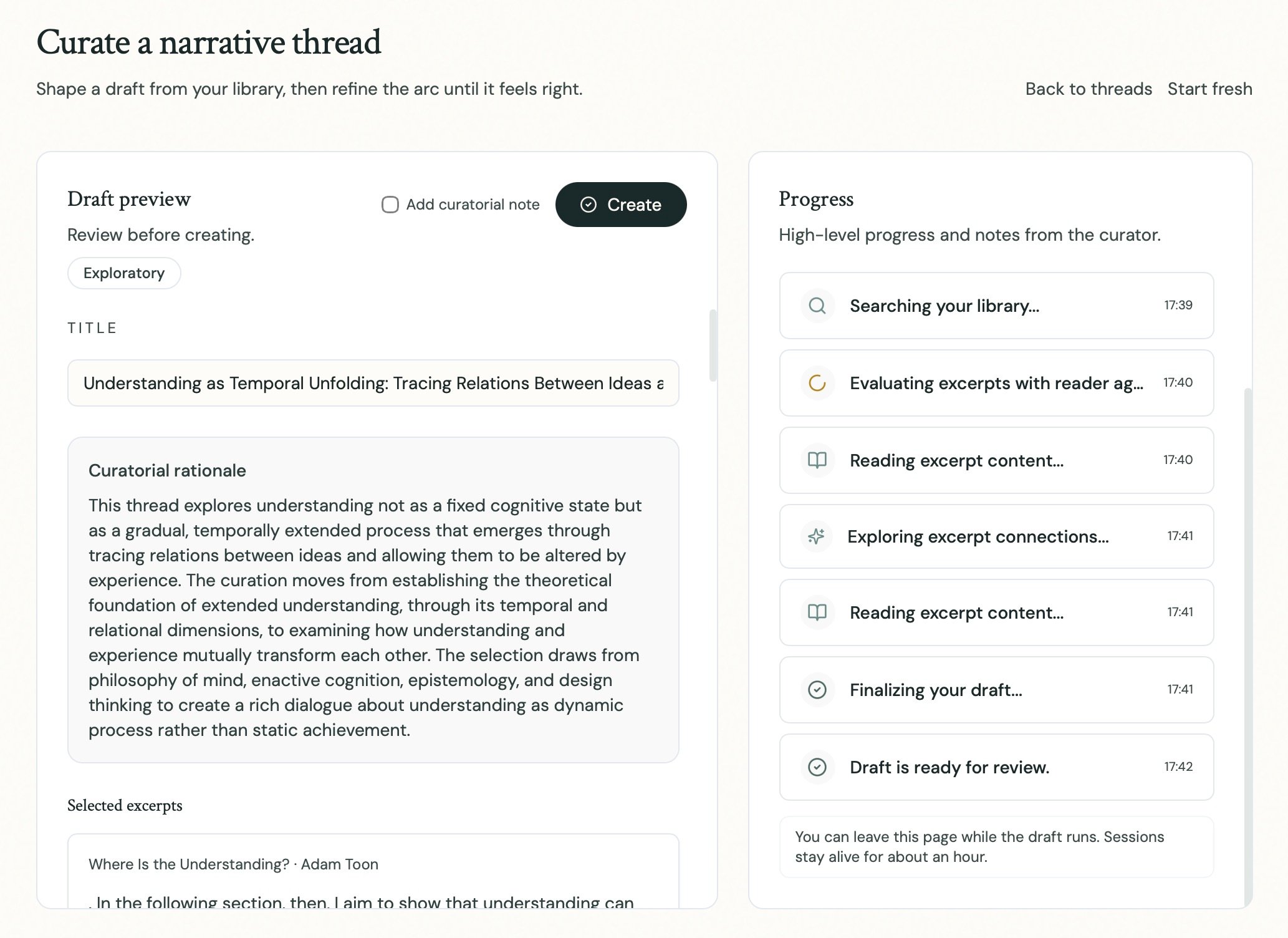
From the Thread builder interface (accessible through the New thread dialog), describe in natural language the Thread you would like Pond to construct. You can be as specific or exploratory as you like: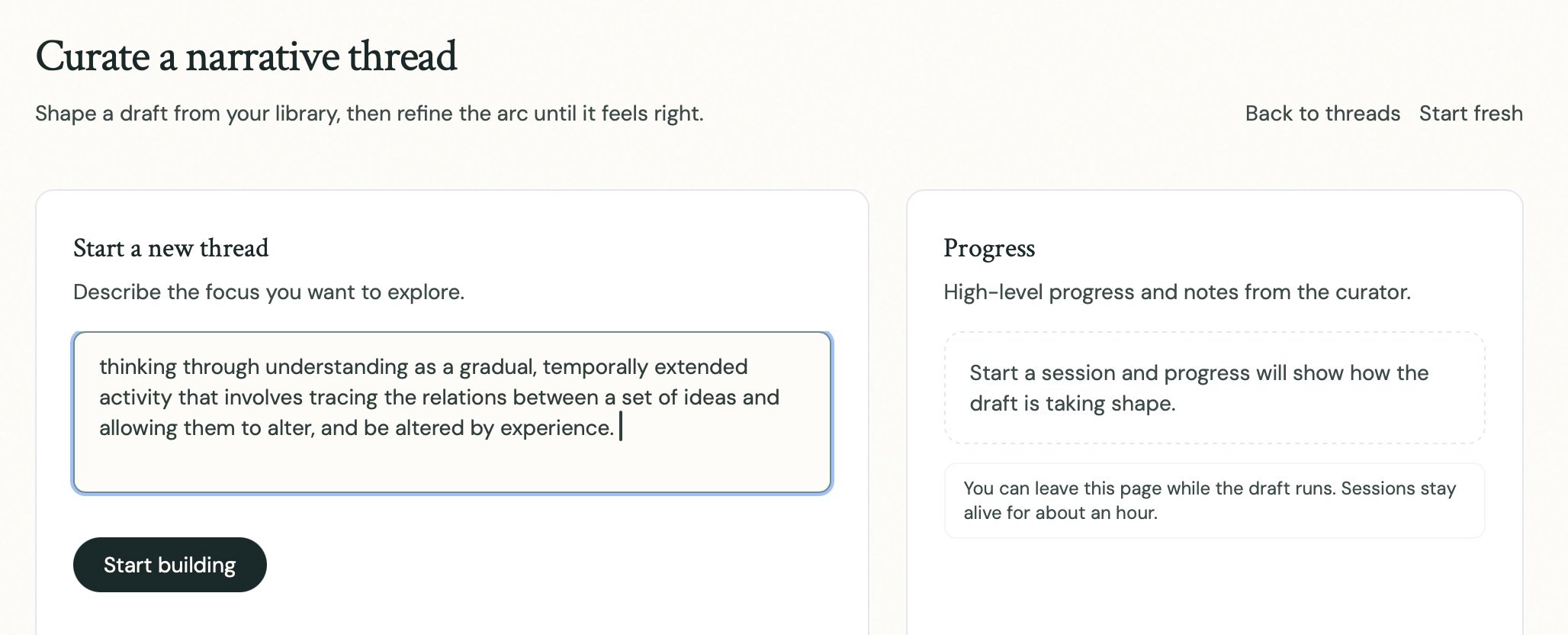
Discovered by Pond
Once your Library reaches a sufficient size, Pond will proactively discover Threads running through your collections. See Thread Discovery for details.The Notebook
The Notebook is where the Thread’s argument is actually written. Each entry is a Note — freeform prose into which you can reference Fragments and other entities by@-mention.